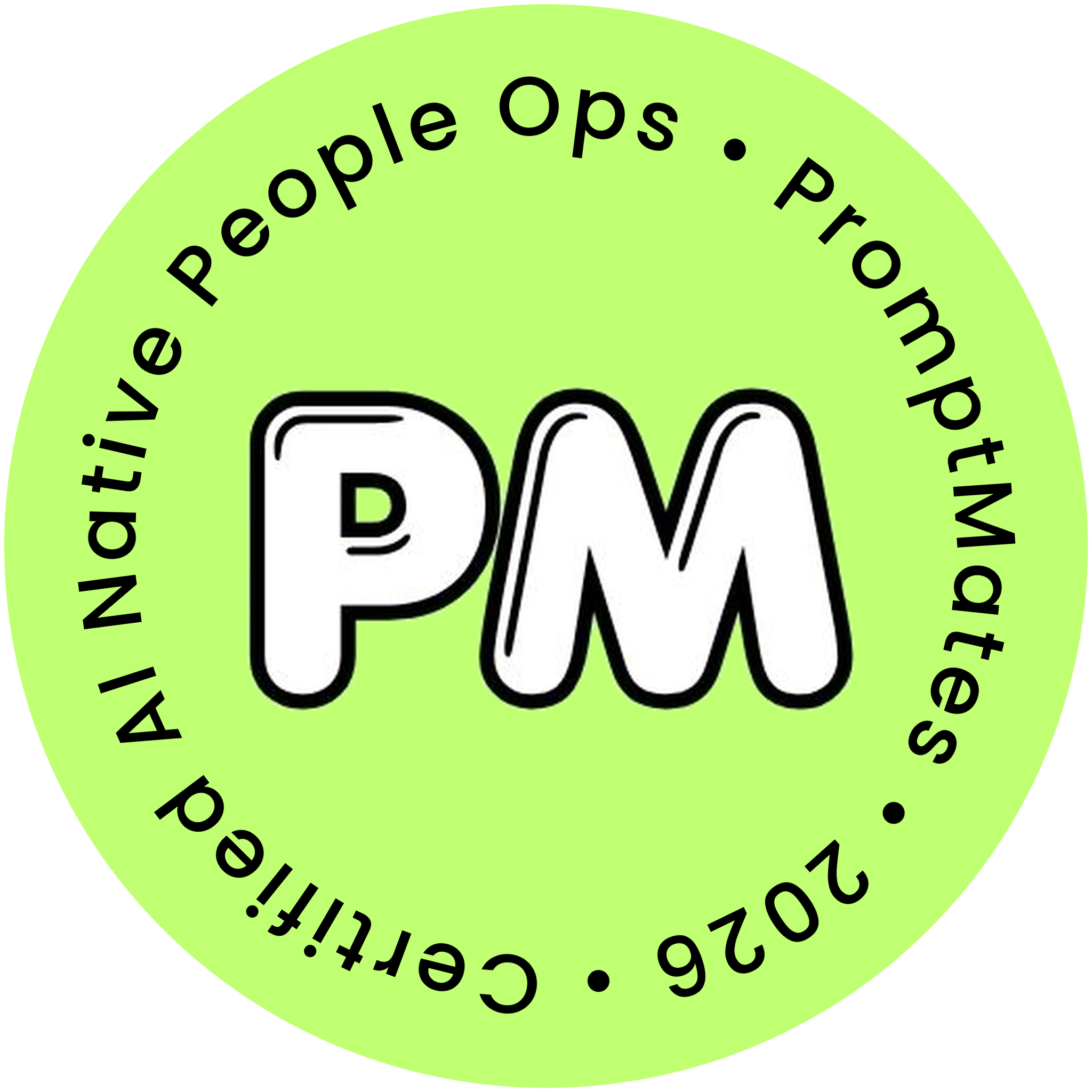
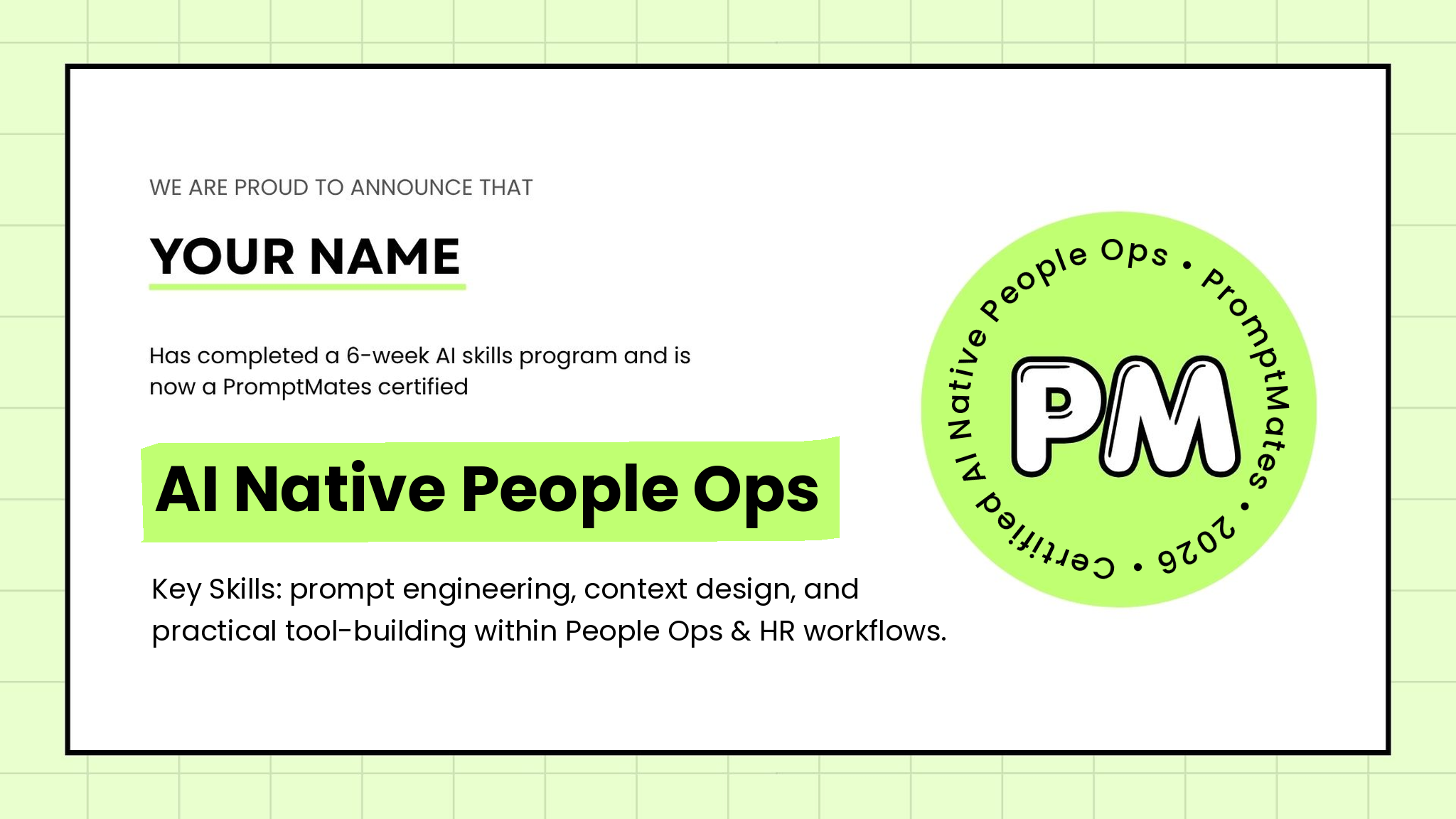
PromptMates AI Native People Ops Certification
Awarded for completing a six-week AI skills cohort for HR and People teams, covering context design, HR-safe prompting and practical workflow building for people work.
Already a member? Reserve your place in the Members Hub.
Key skills
- Context design
- HR guardrails and privacy
- Workflow building for People and HR work
You leave with
- HR guardrails and a personal context file
- A conversation prep guide
- A framework with an internal buy-in brief
- Audience-specific people communications
- A People Ops Command Center
Who it is for
- HR generalists and HR business partners
- People Ops leads and Chief People Officers
- HR teams of one
- No technical background needed
The programme
What makes a certified AI Native People Ops practitioner?
Week 0 · Intro and kick-off
Start here
The intro and kick-off week before Week 1. Set up your account, read the privacy rules and say hello to your cohort in the channel. About 20 minutes.
Week 1
Teach the system about you
Build a set of HR guardrails plus your role and company context, so every answer starts from your world instead of a generic HR template.
Week 2
Walk into the conversation ready
Turn a messy manager or employee situation into signals, strategic questions, risk flags and a framing statement.
Week 3
Build the thing and the buy-in
Draft a real framework, such as a manager playbook or promotion criteria, plus an internal brief to win leadership support.
Week 4
Say it so two rooms hear it
Write people communications calibrated to each audience: leadership, managers and employees each get their own version.
Week 5
Your People Ops Command Center
Move everything into one workspace that already knows your guardrails and workflows.
Week 6
Celebration
The one live session: members share what they built, we run an honest retro and certificates go out.
The result
Scroll to walk through the programme
The programme
What makes a certified AI Native People Ops practitioner?
Week 0 · Intro and kick-off
Start here
The intro and kick-off week before Week 1. Set up your account, read the privacy rules and say hello to your cohort in the channel. About 20 minutes.
Week 1
Teach the system about you
Build a set of HR guardrails plus your role and company context, so every answer starts from your world instead of a generic HR template.
Week 2
Walk into the conversation ready
Turn a messy manager or employee situation into signals, strategic questions, risk flags and a framing statement.
Week 3
Build the thing and the buy-in
Draft a real framework, such as a manager playbook or promotion criteria, plus an internal brief to win leadership support.
Week 4
Say it so two rooms hear it
Write people communications calibrated to each audience: leadership, managers and employees each get their own version.
Week 5
Your People Ops Command Center
Move everything into one workspace that already knows your guardrails and workflows.
Week 6
Celebration
The one live session: members share what they built, we run an honest retro and certificates go out.
The result
How it runs
Reserve by
Nov 2026
- Length
- Week 0 kick-off, then six weeks
- Format
- Six weeks with a group, on set dates
- Rhythm
- New guide and task every Sunday. Do it when it suits you, share progress with the group
- Catch-up
- Follow the weekly rhythm if you can. Fall behind and you can catch up any time while you're a member
- Time
- 60 to 90 min a week
- Tools
- ChatGPT, Claude or Gemini
- HR-safe
- Privacy checks in every guide
- Certificate
- Awarded on completion, LinkedIn-ready
- Cost
- Included in membership
How to join
Two steps. Included in membership at no extra cost.
- 1Step 1
Join the PromptMates community
Apply using the short form (about two minutes). Once you're approved, sign up and you get full community access straight away.
- 2Step 2
Reserve your place on the next cohort
You can do this as soon as you're in. Members are guaranteed a place. Pick your cohort in the Members Hub: reserve by Friday 6 November 2026.
Already a member? Skip straight to this step from your Members Hub dashboard.